Transport Controllers
To locate the components, from the eCatalog panel go to Models by Type and Navigation (Beta).
How It Works
When Process Modeling generates transport tasks or work tasks, these tasks are forwarded to the transport controller. Based on the configured resource selection strategy, the transport controller identifies an available resource and dispatches the task to it.
Resource Priority
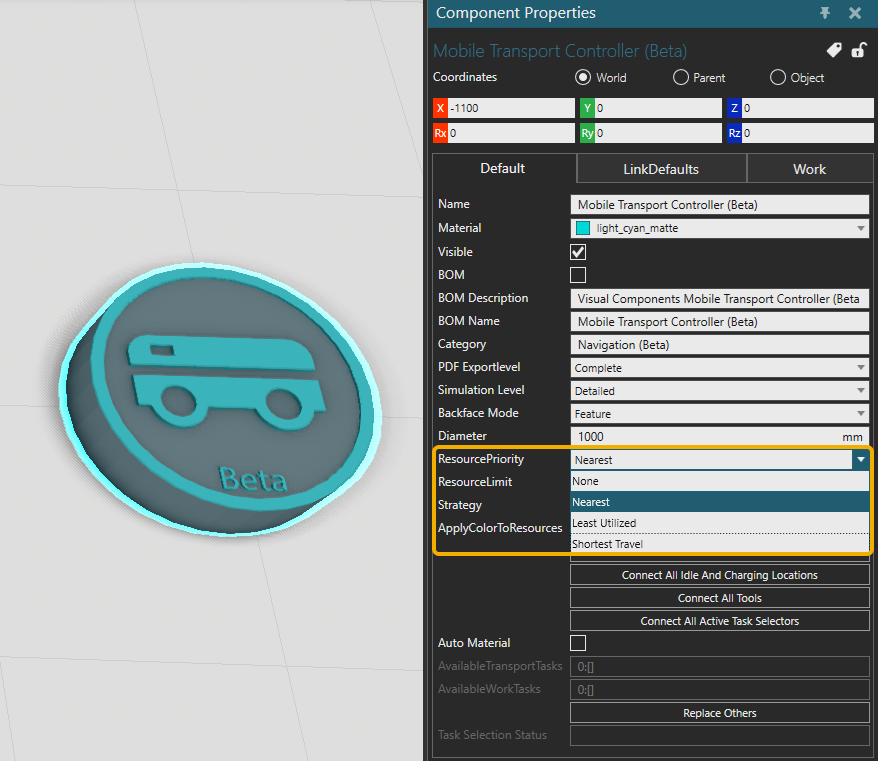
Available resources are prioritized for transport and work tasks according to the ResourcePriority property in the transport controller.
| Option | Description |
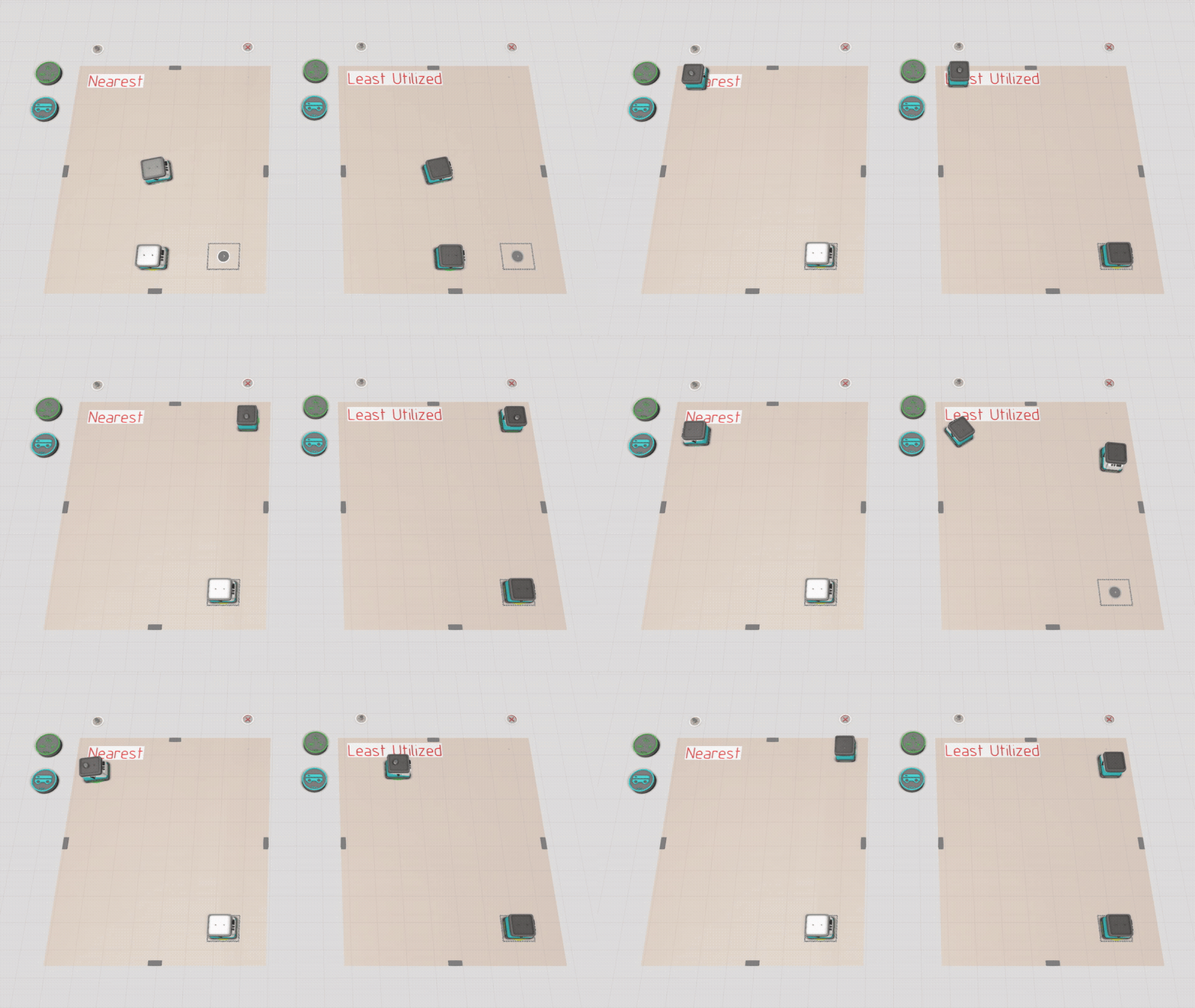
| Nearest | Available resource nearest to the collecting (pick) or work location is allocated for the task. |
| Least Utilized | Available resource that is least utilized (Statistics.Utilization) is allocated for the task. |
Strategy
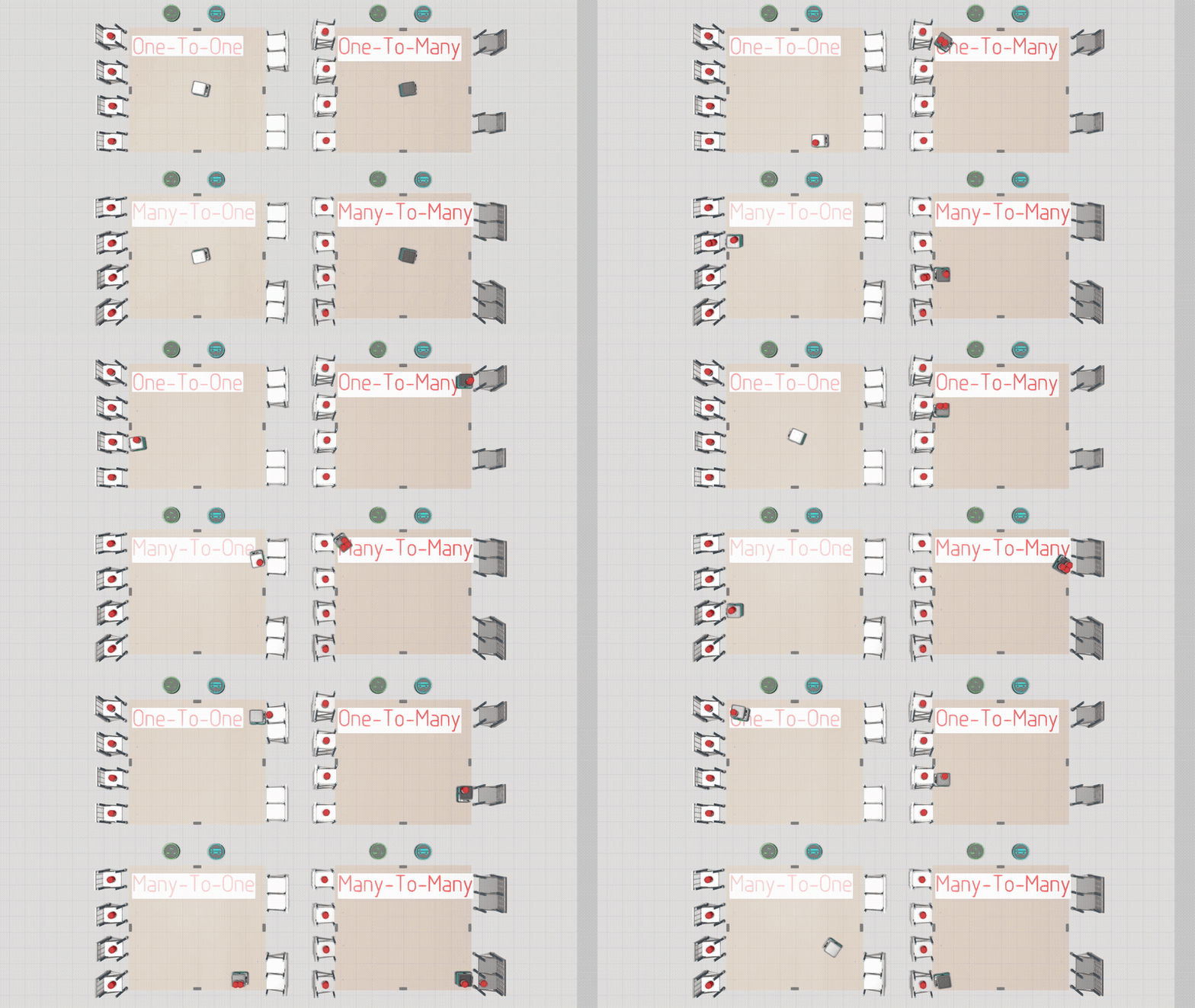
Resources can collect and deliver multiple products simultaneously between processes that have active transports (matching TransportIn and TransportOut statements).
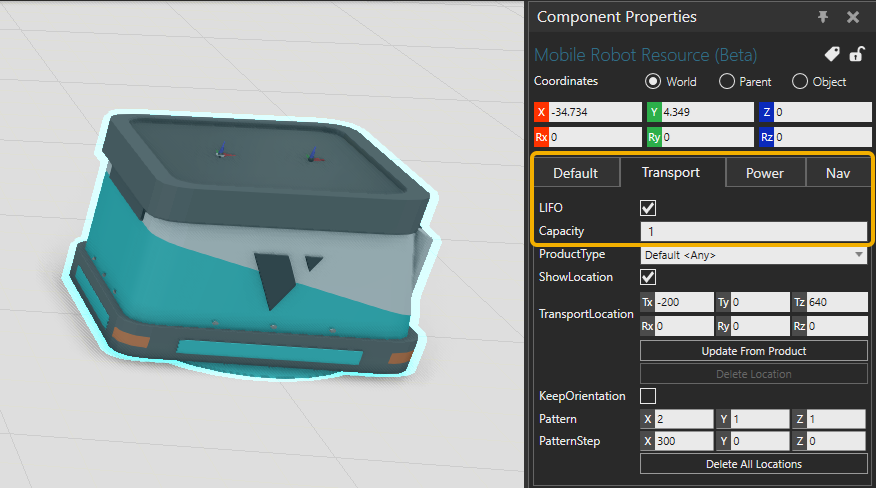
Resources have a Capacity property in the Transport Tab which defines the maximum amount of products that can be on board at a time. Resources collect all products first, then deliver.
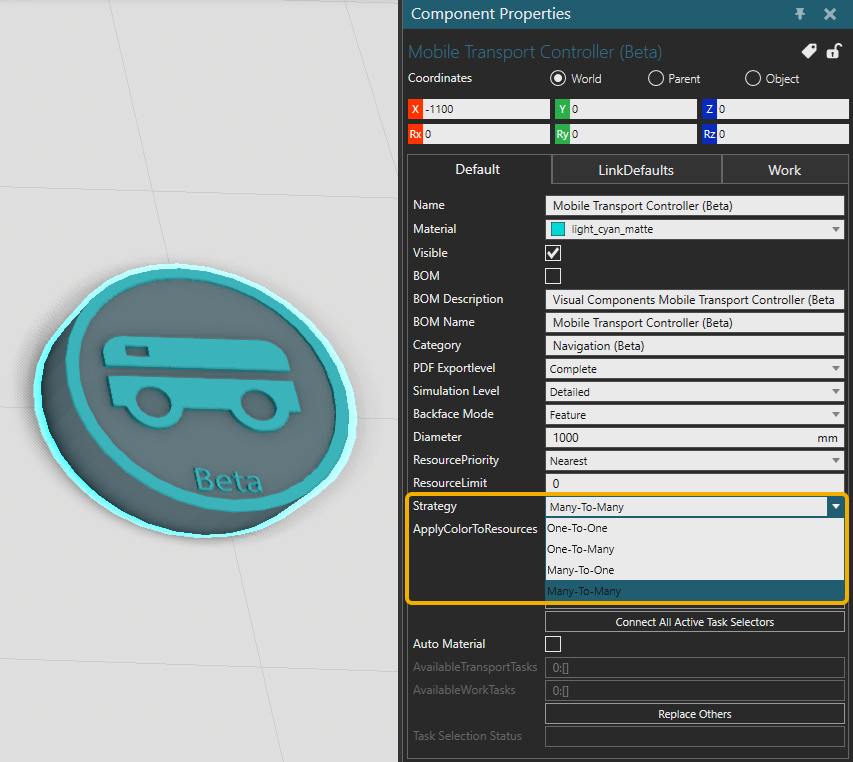
A strategy defined by a Strategy property in the transport controller is followed when multi-transporting. The selected strategy is applied to all resources connected to the transport controller.
| Option | Description |
| One-to-One | Collecting and delivering is performed only between two processes at a time. |
| One-To-Many | Collect all from one process and deliver to any number of processes at a time. |
| Many-To-One | Collect from any number of processes and deliver to one. |
| Many-To-Many | Collect from any number of processes and deliver to any number of processes. |
LinkDefaults
The LinkDefaults tab in the transport controller allows you to configure the default PickApproach or PlaceApproach that resources use before reaching pick or place locations, as well as the default PickTime or PlaceTime interpolation times.
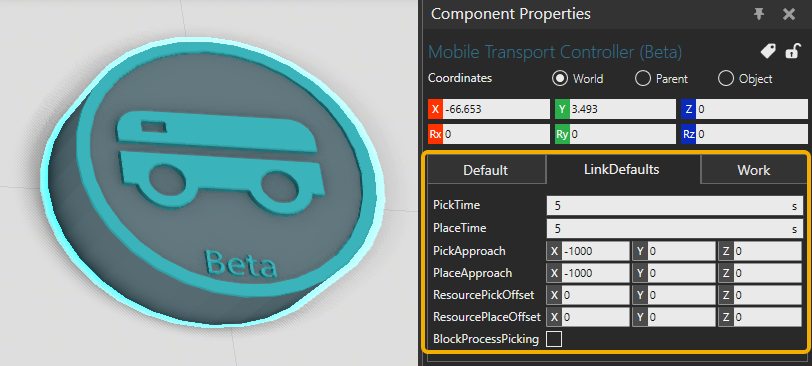
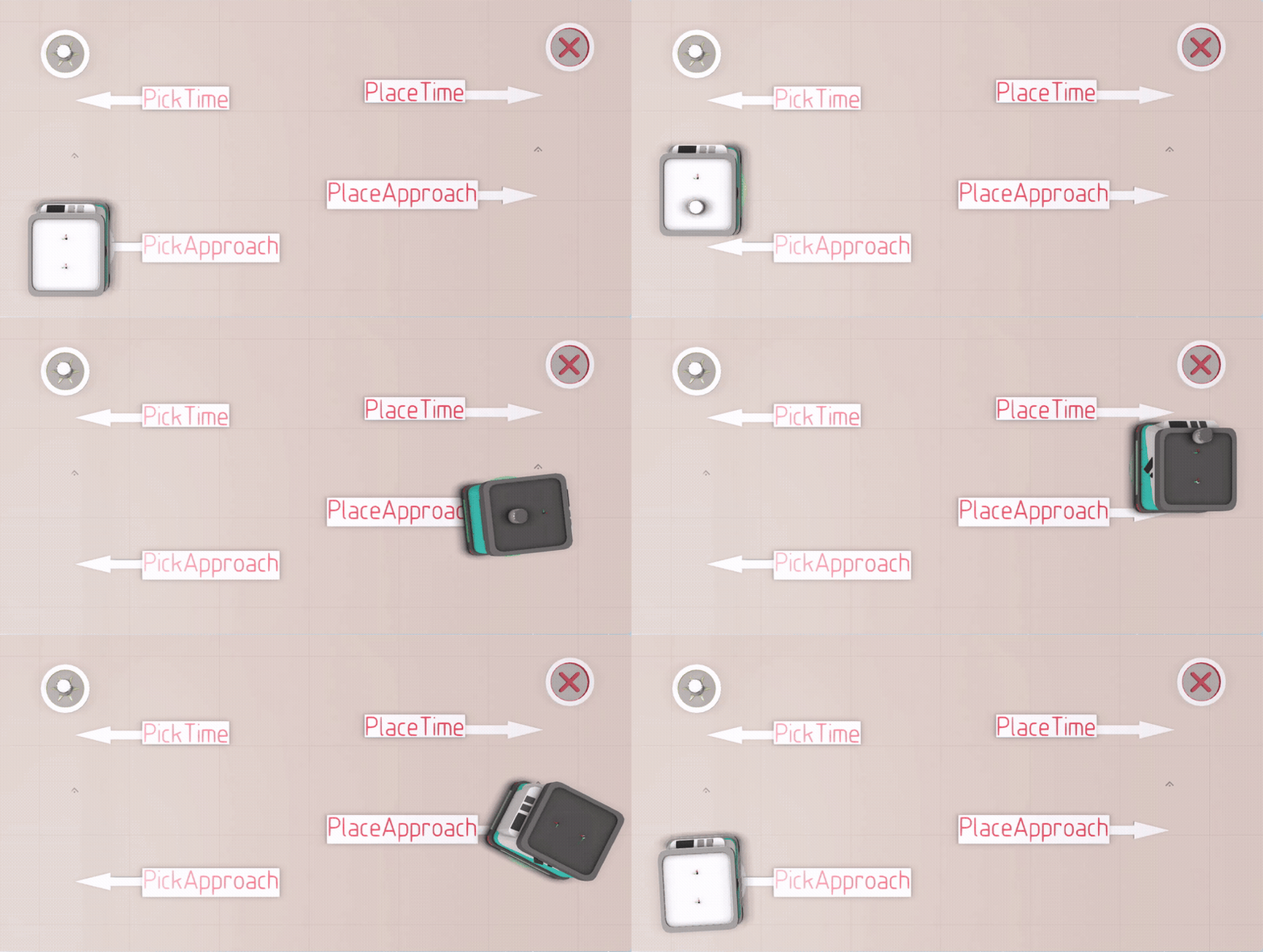
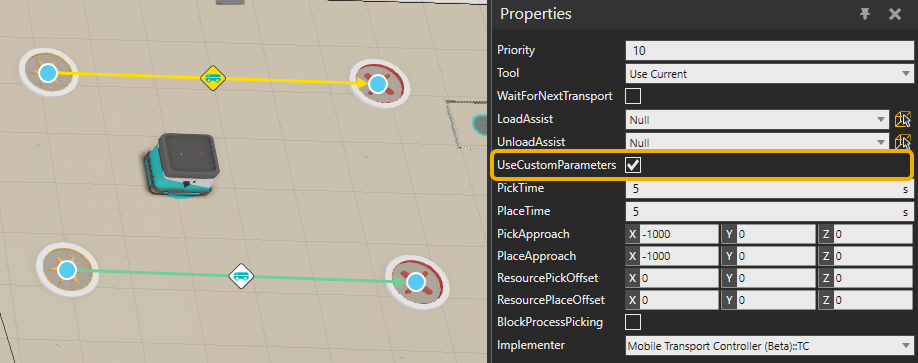
You can also enable UseCustomParameters on individual transport links to specify custom parameter values for that link. These values will override the corresponding settings inherited from the transport controller.